We build Chrome extensions for solutions engineers, sales teams, and QA teams who need their browser to work harder during demos, walkthroughs, and testing.
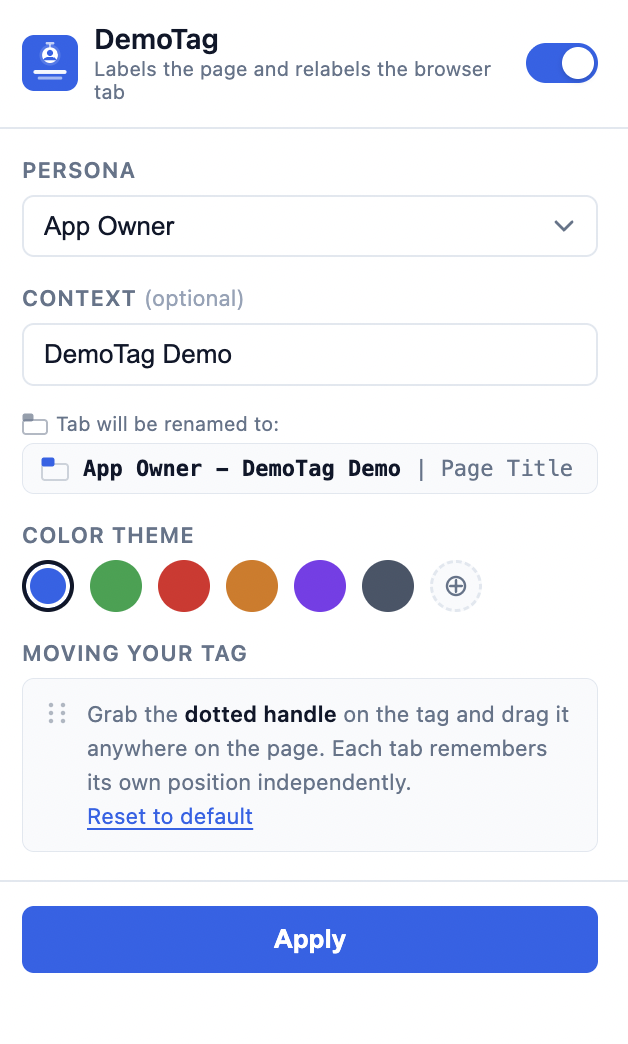
Persona and environment labels for every tab.
Labels every browser tab with the active demo persona. Renames the tab to match. When you switch between an admin account and an end-user account during a live demo, every tab tells you exactly where you are.
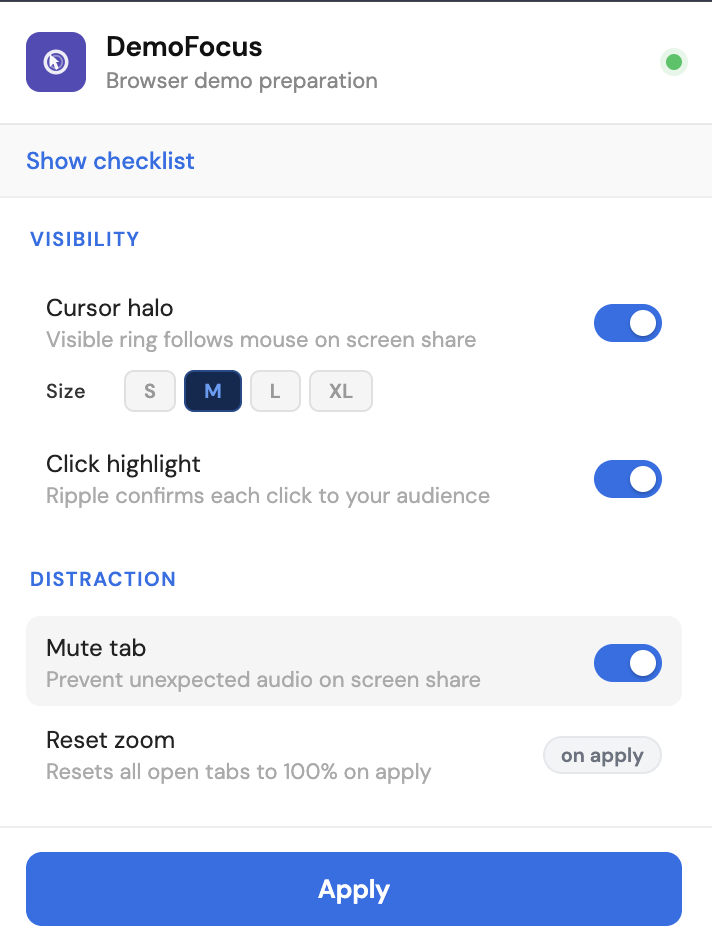
Pre-demo checklist and visual attention tools.
A pre-demo setup checklist eliminates the mistakes that kill live walkthroughs. Visual tools — cursor halo, click highlight, and spotlight mode — make it easy for your audience to follow what you are doing on screen.
Practical guides for solutions engineers, engineering teams, CS managers, and professional services consultants who present in a browser. No generic advice.
The mistakes that kill live demos happen before you share your screen. A structured checklist for the 10 minutes before every call.
Read the guide →PS consultants work across multiple client environments simultaneously. Every tab looks identical. Here is the cost of that.
Coming soonEngineers are accidental presenters. Here is how to set up your browser before a sprint demo so non-technical stakeholders can actually follow what you built.
Read the guide →Admin vs end-user account switching during onboarding walkthroughs. Same environment confusion, different audience.
Coming soon